Banarasi Saree Prompt: Woman With Diya
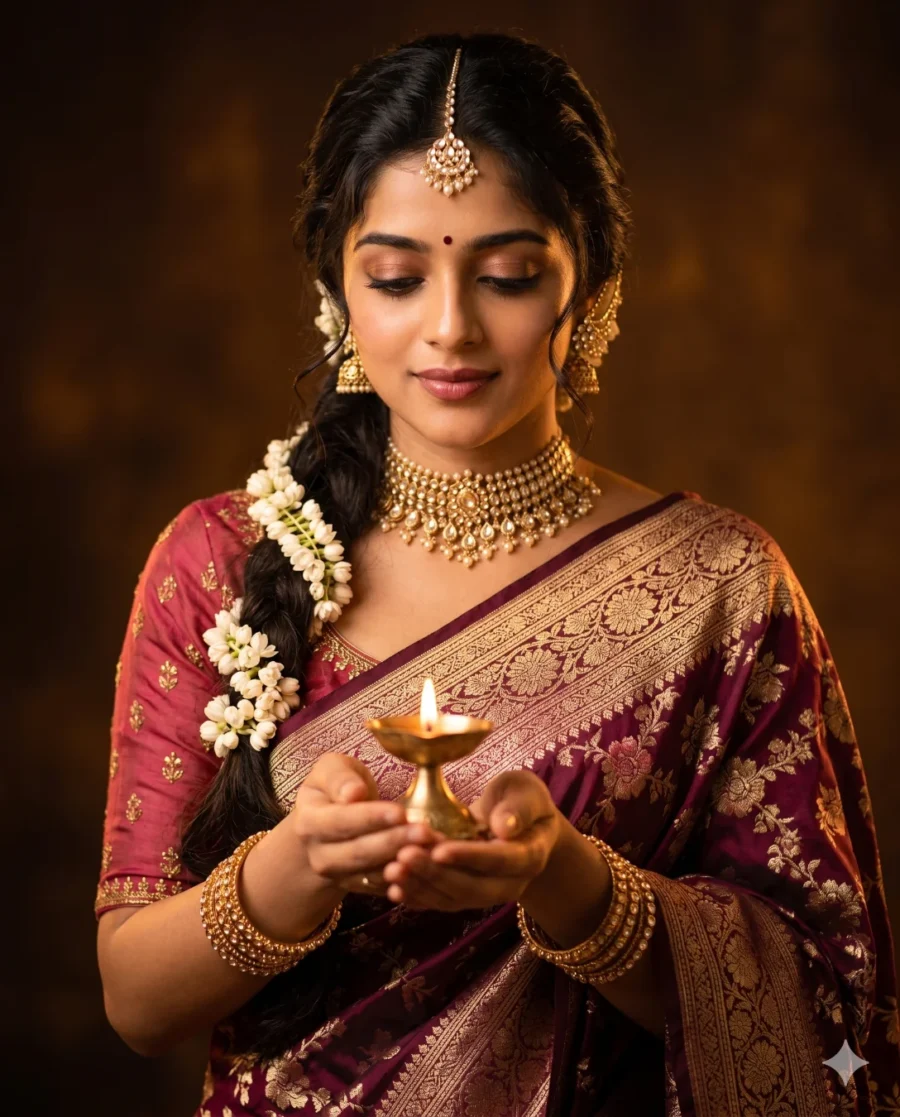
Woman in Wine Banarasi Saree with Diya
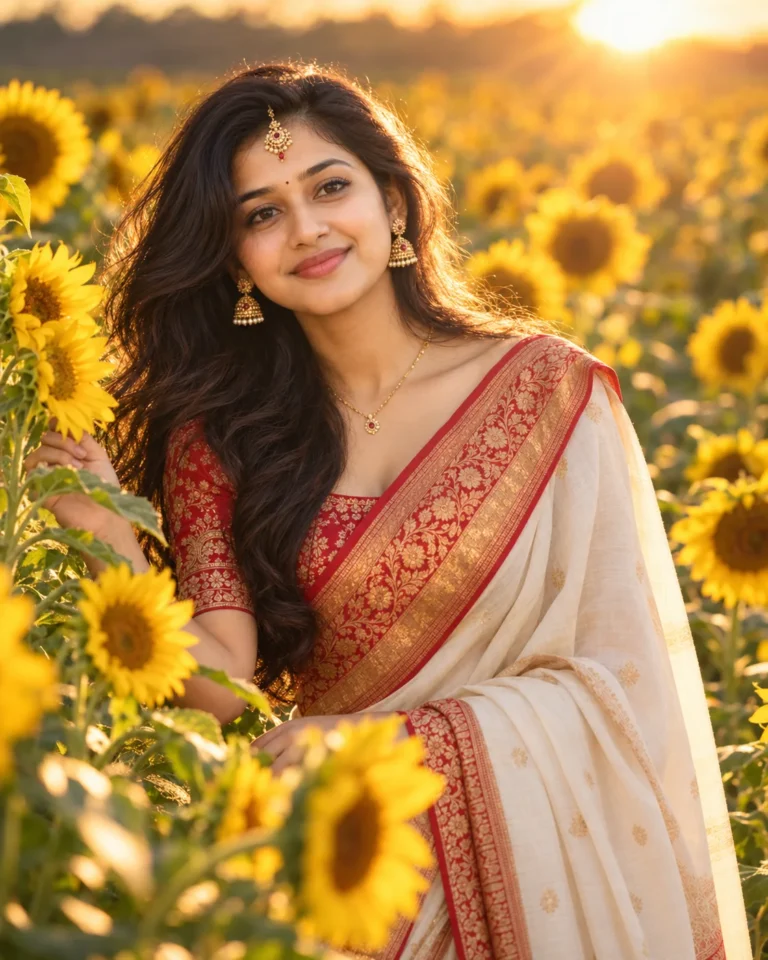
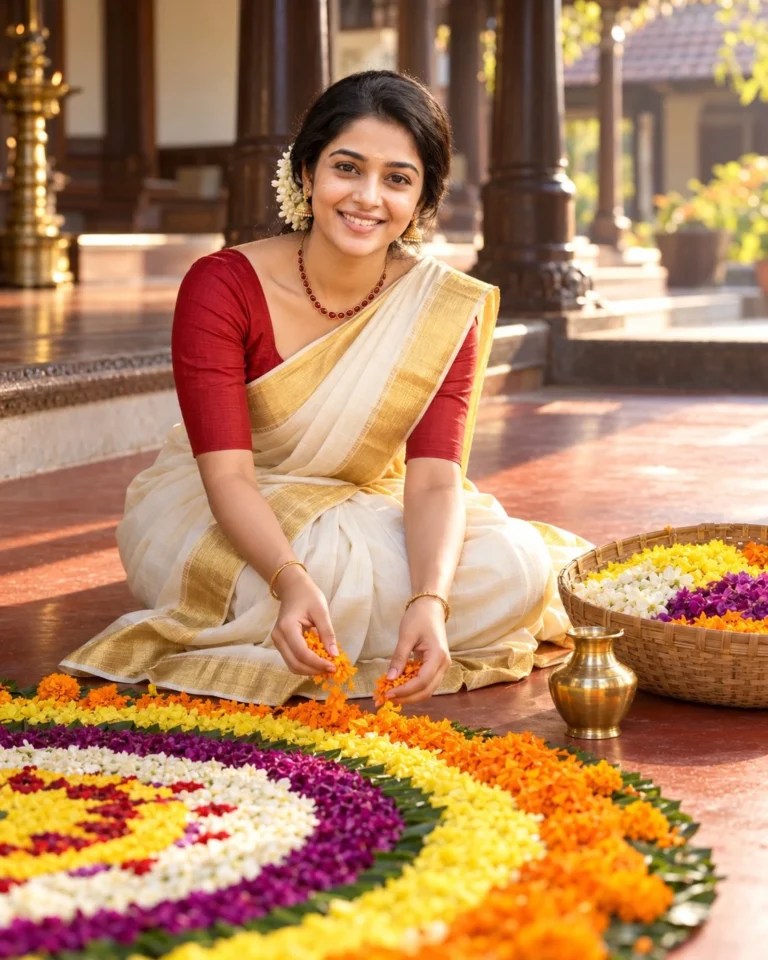
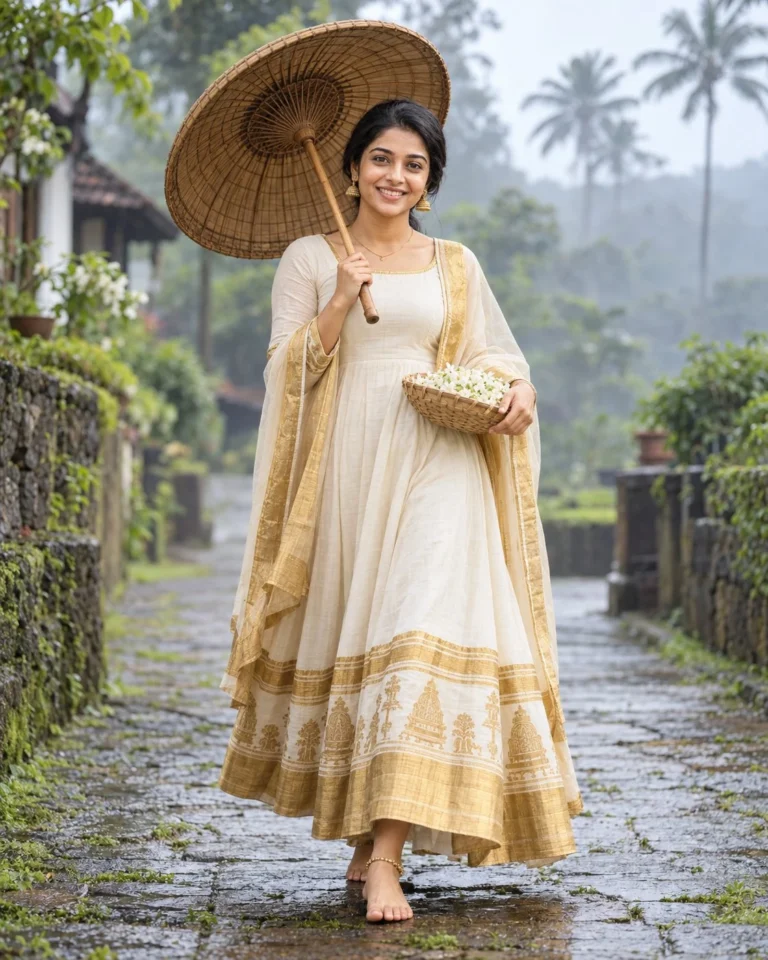
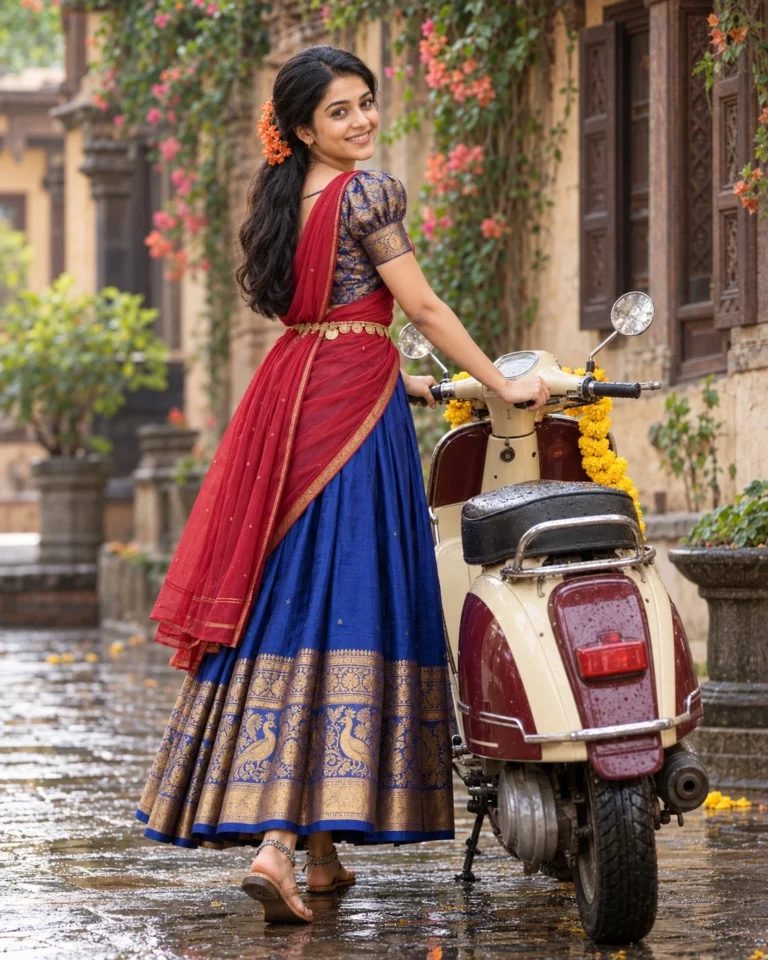
This Banarasi saree prompt generates a breathtaking, ultra-realistic portrait of a South Asian woman in a moment of quiet devotion. It delivers a highly detailed image ready for professional publishing.
The visual style captures a vintage dreamy Indian photography aesthetic. It builds deep painterly contrast through a blurred, warm-toned background. The subject wears a rich wine burgundy Banarasi silk piece. Intricate gold zari weaving and floral brocade patterns coat the fabric. A loose side braid with fresh white jasmine flowers frames her serene expression. She holds an ornate brass diya. Kundan jewelry, including a choker and passa earrings, completes the styling.
Warm golden candlelight provides the primary illumination. This light source softly glows from the cupped diya. It casts a rich amber glow across her face and jewelry. Deep dramatic shadows form against the dark environment. This lighting setup emphasizes luminous skin textures and sharp metallic details. It creates atmospheric depth reminiscent of classic portraiture.
You can apply this image across several professional formats:
- Hero imagery for cultural heritage editorial websites.
- Centerpiece visuals for digital magazine features on festive fashion.
- Feature art in high-end lookbooks for bridal jewelry collections.
Run this in Gemini to achieve the best cinematic quality. This is an editing prompt. You need a source photo to use it. Upload your reference image to preserve exact facial identity and proportions. Ensure your settings reflect a 4:5 aspect ratio. This creates a vertical crop perfect for portrait framing.
Frequently Asked Questions
Can I change the color of the saree in the prompt?
You can easily modify the clothing colors. Simply replace the words "wine burgundy" with your preferred shade. The prompt structure will maintain the same intricate gold zari weaving and cinematic lighting quality.
Do I need a reference photo for this Banarasi saree prompt?
Yes. This prompt is designed for image editing and identity preservation. Upload your source photo into Gemini before pasting the text. This ensures the final portrait retains exact facial proportions and likeness.
Related Prompts
View All in Collection