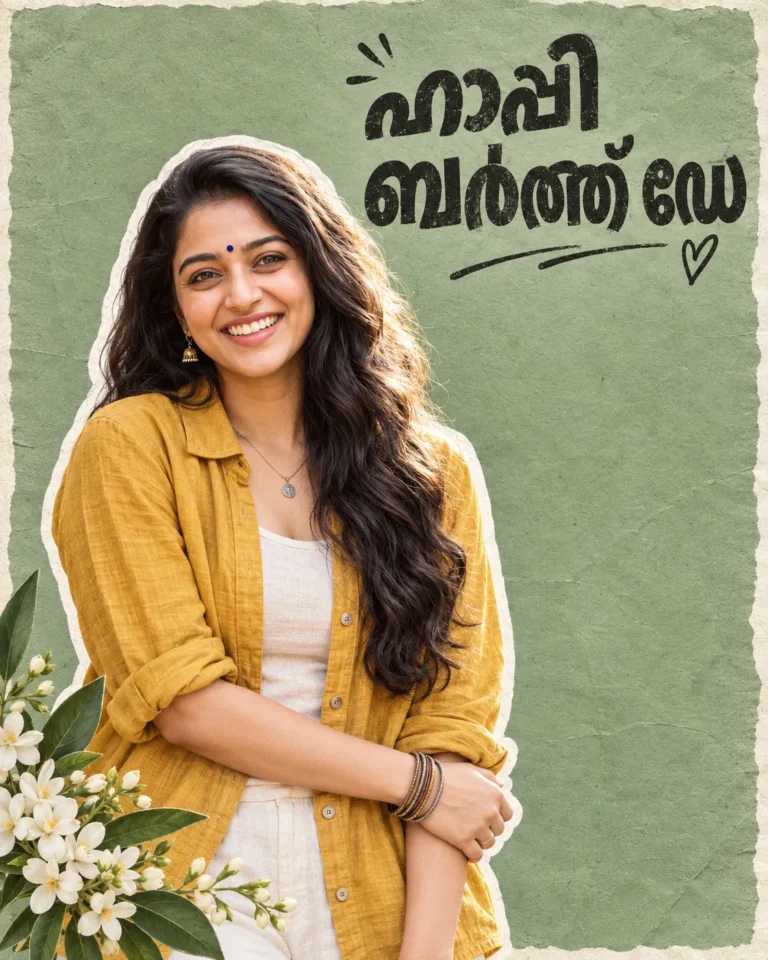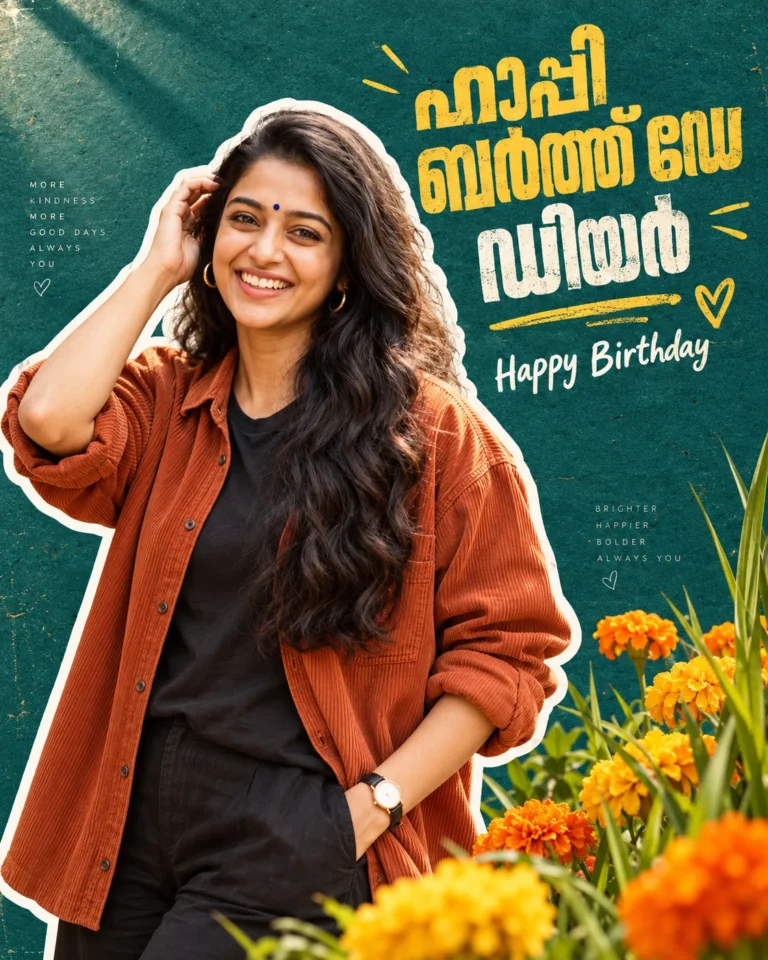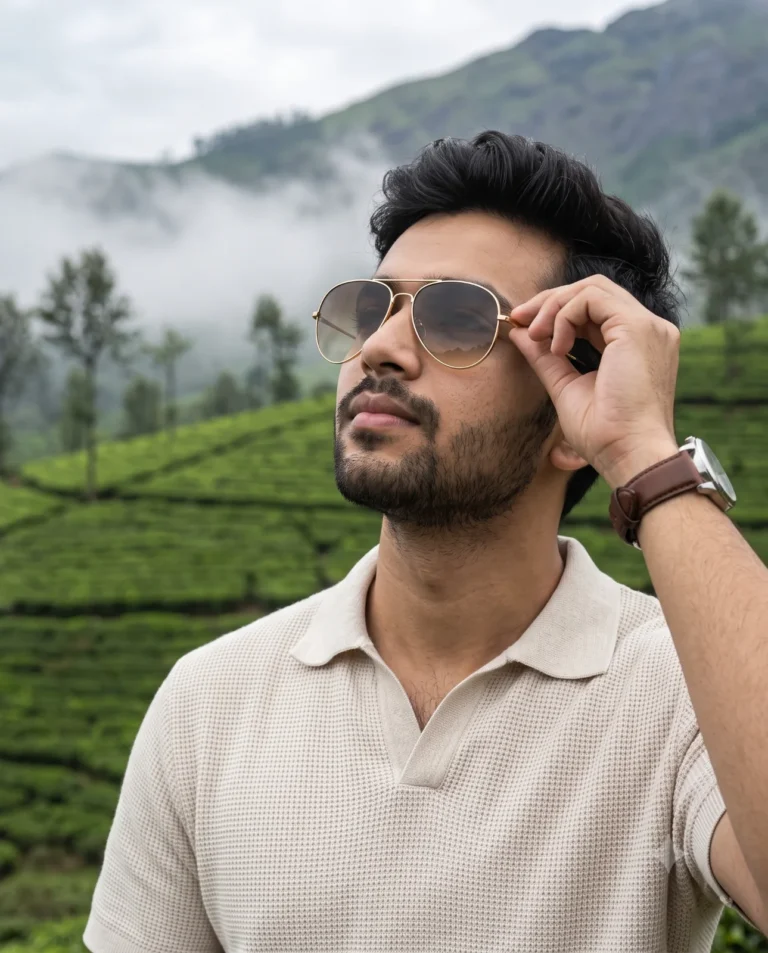
Vector Sticker Portrait Prompt with Clean Illustration Style
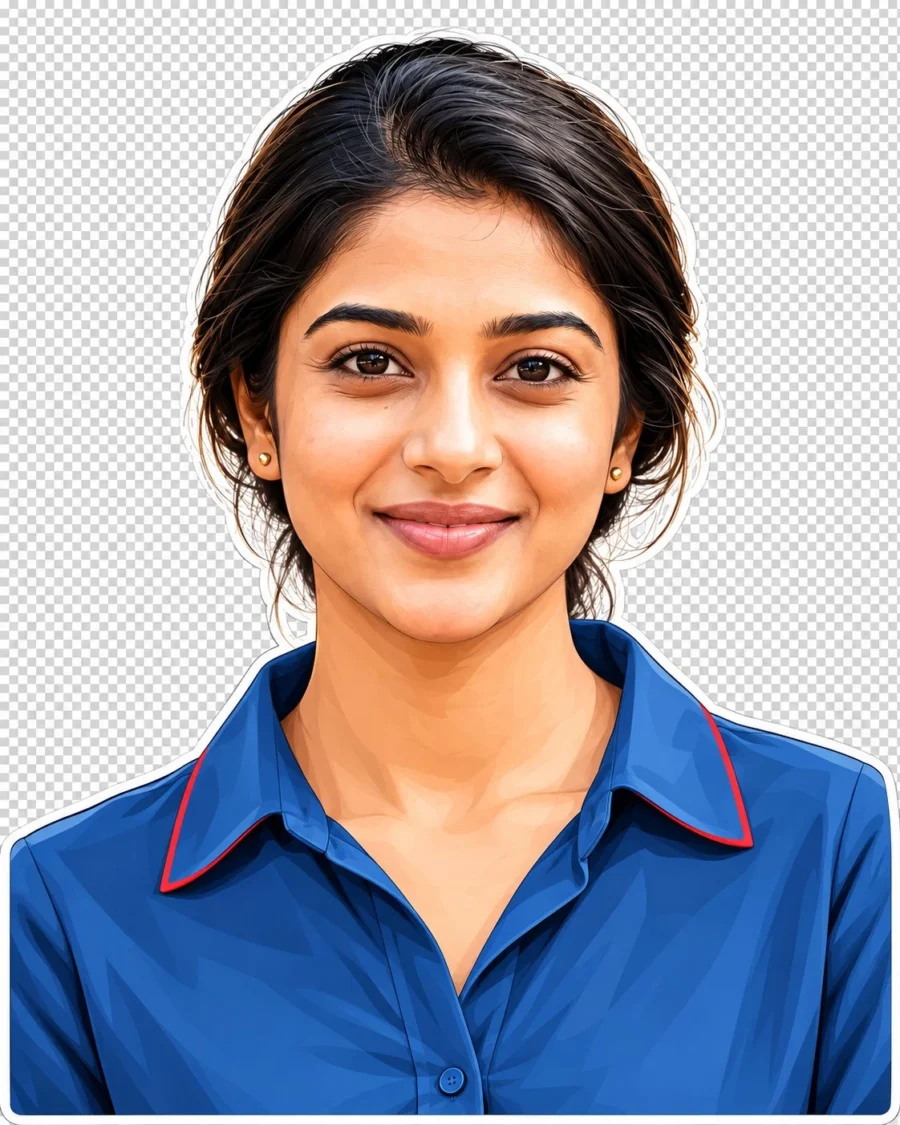
Graphic Line Work and Lighting Setup for a Vector Sticker Portrait
Generating a clean vector sticker portrait in Gemini often leads to oversaturated skin tones and muddy vector outlines around delicate facial curves. This structured prompt enforces layered color planes to maintain rich South Asian undertones without color banding. Defining explicit facial geometry protects unique ethnic features from getting flattened into generic cartoon presets. The centered composition keeps the silhouette balanced for clean sticker generation.
Simulating an 85mm portrait focal length flattens facial distortion while establishing an ideal geometry for graphic conversion. A narrow aperture keeps edges sharp, allowing soft frontal illumination and hair rim light to cleanly separate the silhouette from the backdrop. This optical clarity pairs smoothly with structured South Asian garments, whether rendering crisp cotton collars or the metallic borders of a Kerala Kasavu weave. Directional highlights preserve the subtle weave textures beneath vector gradients rather than blurring them into solid fills.
To customize the look for different occasions, swap these details:
- Replace “blue collared shirt with red trim” with “cream Kasavu saree blouse with gold zari trim” for traditional regional attire.
- Replace “thick, textured black hair swept upward into a voluminous style” with “sleek braided hair decorated with fresh jasmine and gold jhumkas”.
- Replace “muted gray background” with “minimalist terracotta courtyard backdrop with warm twilight ambiance”.
Upload an eye-level, waist-up reference portrait taken under diffused, natural window lighting without harsh cast shadows. Close-up wide selfies often distort facial proportions during vector conversion, so maintain at least three feet of distance from the camera. The model can occasionally clip the outer white border along the shoulders due to the tight 4:5 aspect ratio. Add the phrase “wide margins with padding” to resolve the crop cleanly.
Frequently Asked Questions
How do I prevent Gemini from turning the vector portrait into a photorealistic image?
If the model renders photographic skin textures instead of graphic planes, strengthen the styling weight. Append the phrase "flat cel shading with crisp outline vector graphic art" directly to the style parameters to reinforce solid vector blocks.
How can I keep the white sticker die-cut border completely unbroken around the shoulders?
Specify border thickness explicitly by adding "uniform solid white die-cut sticker outline contour". If the border breaks against dark clothing, change the backdrop token to "high contrast solid dark slate background" to enforce clear separation.
Related Prompts
View All in Collection