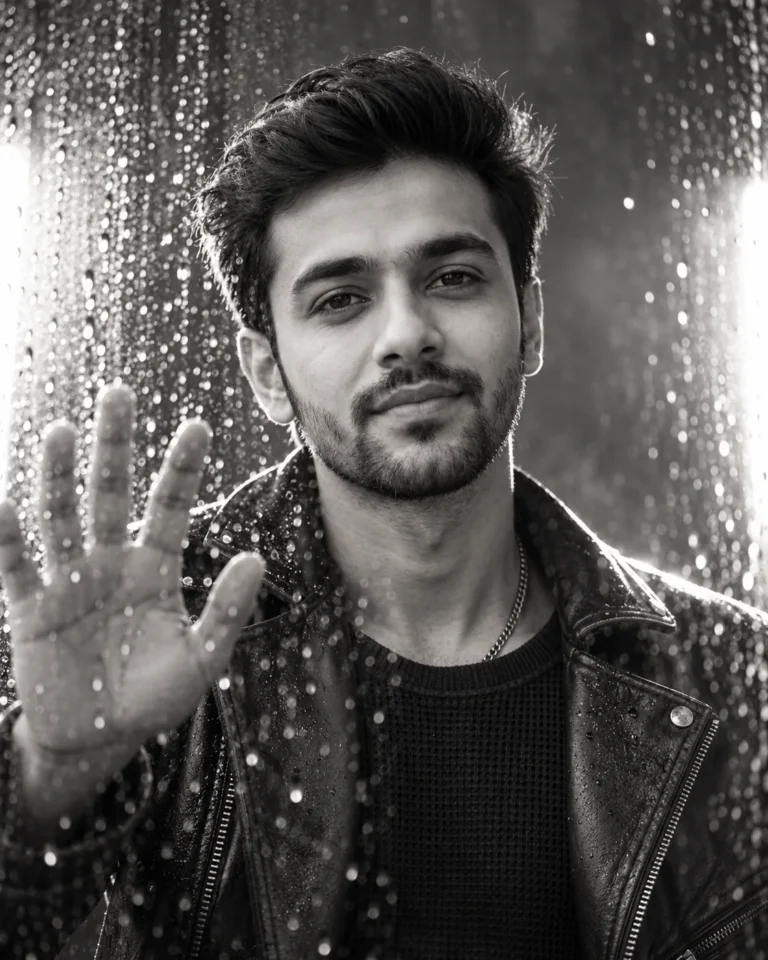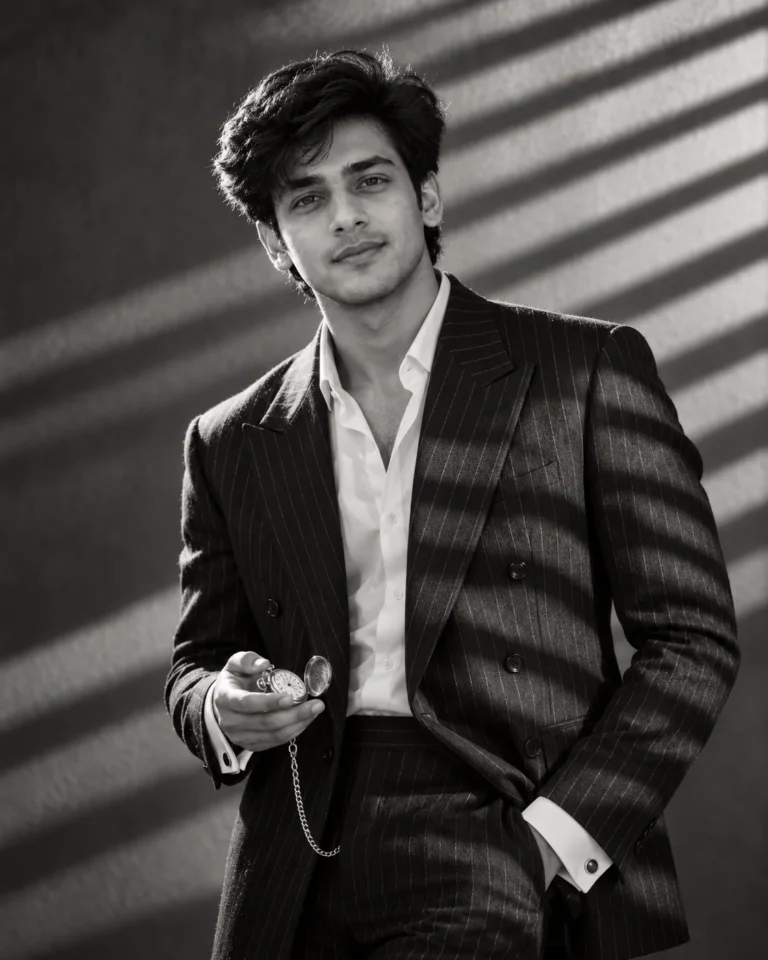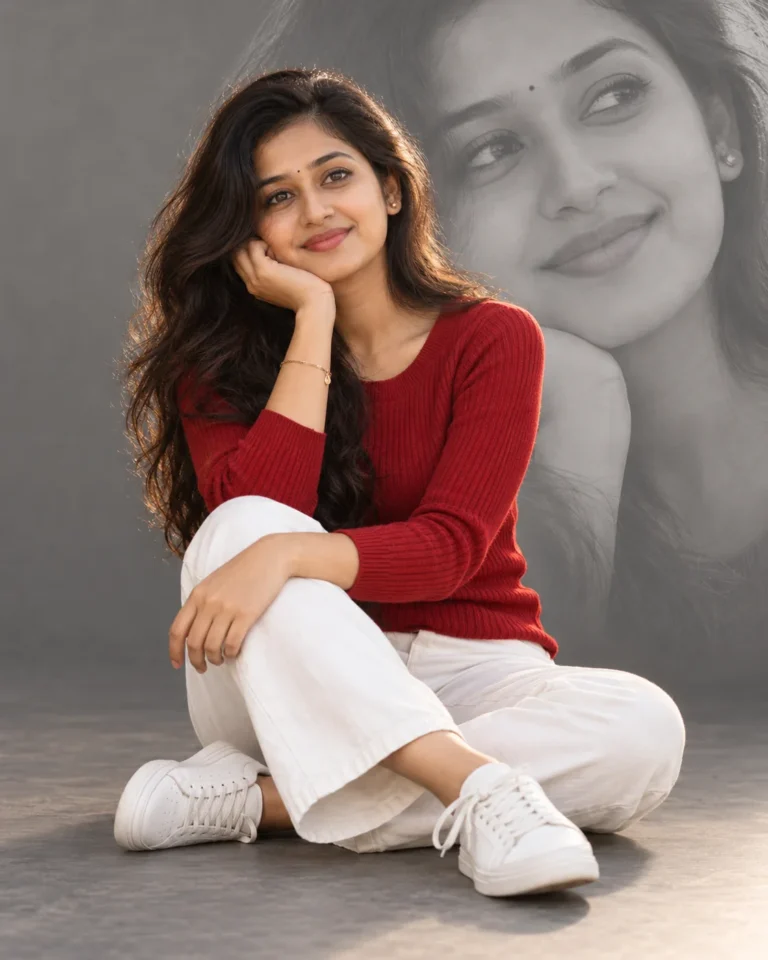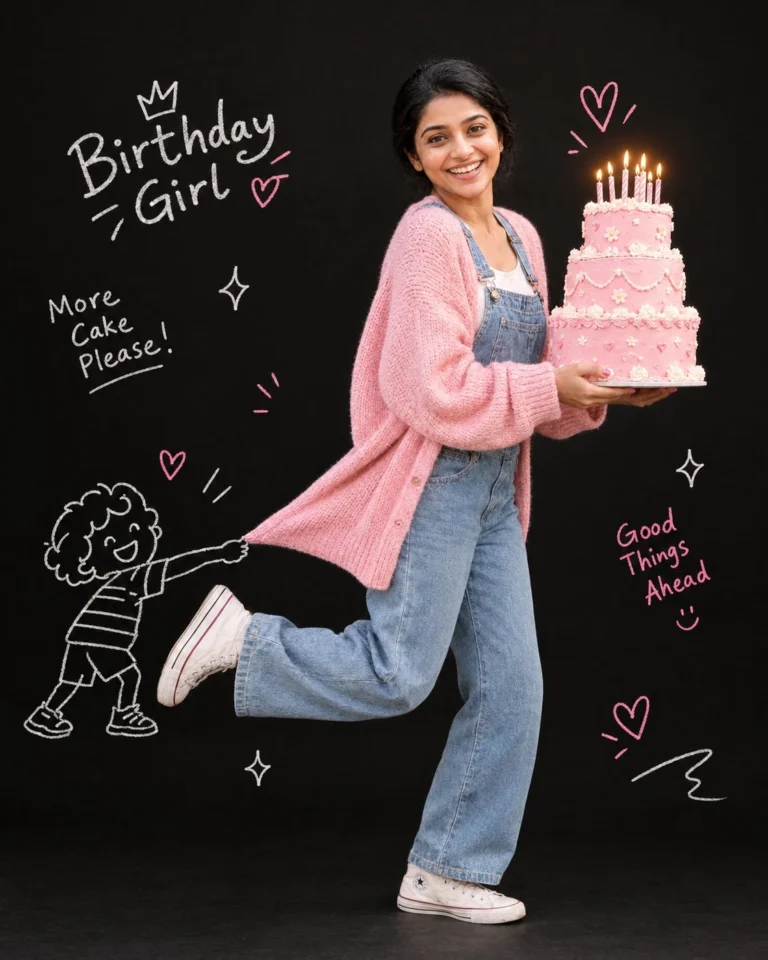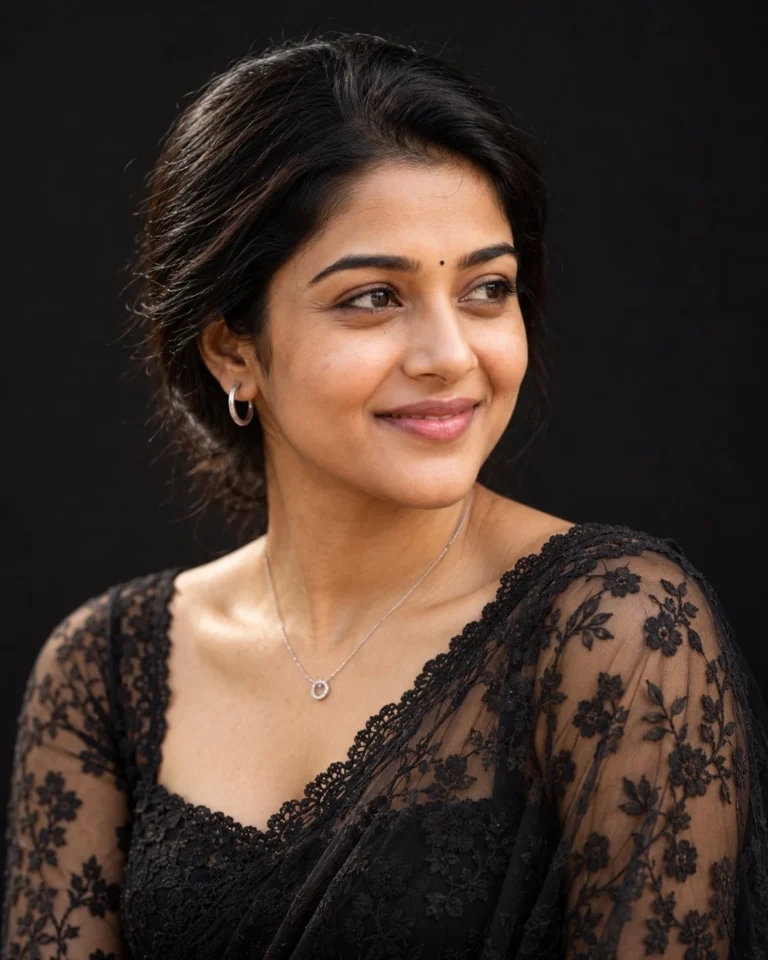
College Couple Studio Portrait with Two-Tone Backdrop
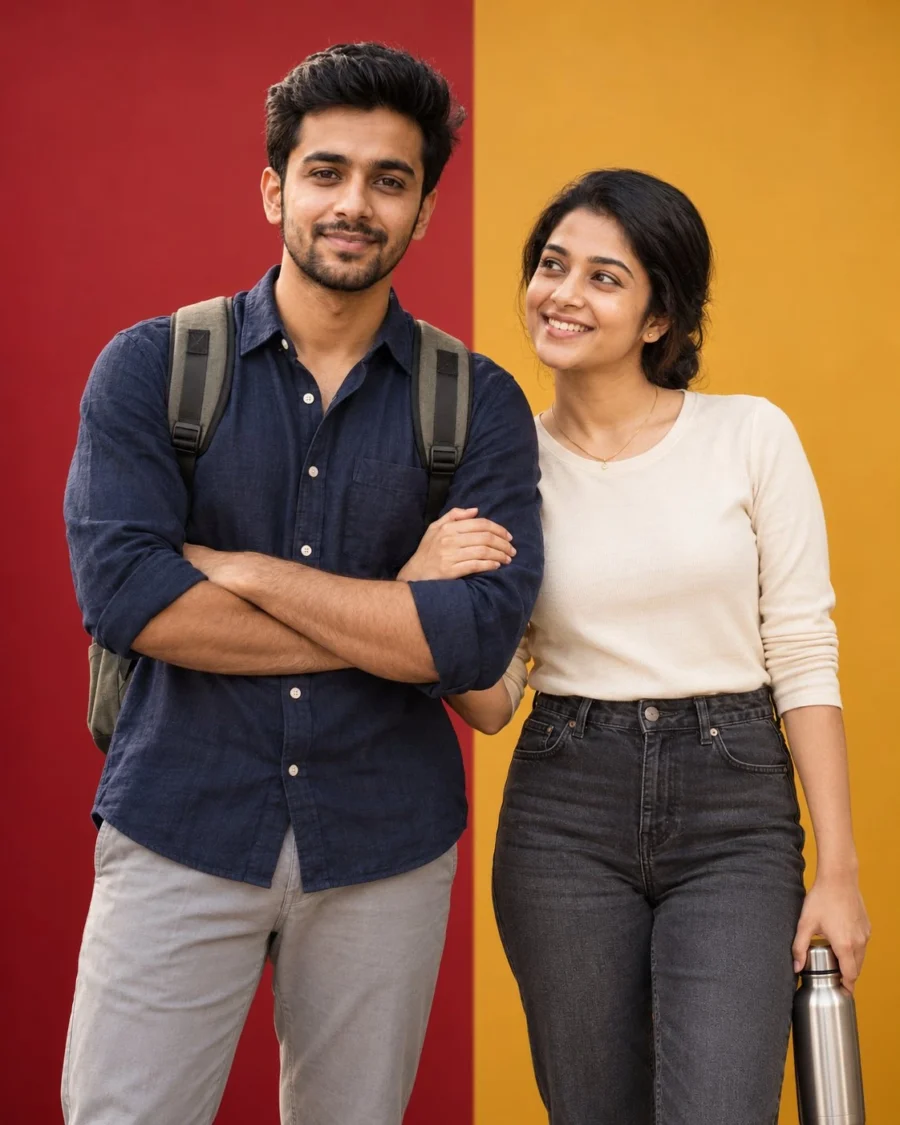
Color Blocking and Lighting for a College Couple Studio Portrait
Generating a college couple studio portrait in Gemini often causes identity bleed between subjects sharing the same frame. Close-proximity portraits frequently blend facial features, hair textures, or clothing colors across both individuals. High-contrast dual-tone backdrops also risk casting harsh, unnatural tint reflections onto skin tones. Explicitly defining spatial positions and directional key lighting isolates each subject to preserve distinct facial features.
An 85mm focal length compresses facial features naturally while keeping both subjects in sharp focus at f/2.8. Overhead beauty dish lighting casts a soft, focused key light on facial planes without spilling onto the backdrop. A cool-white rim light carves crisp outlines that visually separate matte linen and dark denim from the colored panels. Specifying tactile weaves like natural linen and structured canvas ensures the generator renders authentic micro-textures instead of waxy surfaces.
To customize the look for different occasions, swap these details:
- Replace
relaxed-fit navy linen button-up shirtandminimalist cream crewneck topwithshort-sleeve olive khadi shirtandhandwoven indigo ikat tunic over white trousers. - Replace
stainless steel water bottle in her other hand at her sidewithhardbound textured sketchbook tucked under her arm. - Replace
deep crimson on the left and warm mustard-yellow on the rightwithmatte terracotta on the left and muted sage on the right.
Upload eye-level, waist-up reference portraits taken in neutral daylight rather than harsh flash. Front-facing photos displaying clear jawlines and uncropped foreheads prevent Gemini from distorting facial geometry. If saturated backdrop panels cast colored reflections across facial highlights, prompt bleed is contaminating the skin tones. Add the phrase “neutral skin tones, zero color spill” to the lighting instructions to immediately fix reflected bounce.
Frequently Asked Questions
How do I prevent facial distortion when generating two subjects together?
Upload separate waist-up reference photos for each person with neutral, even lighting. If facial features blend, add explicit subject tags such as "subject one on the left" and "subject two on the right" to keep identities strictly isolated.
How do I change the backdrop colors without altering the subject lighting?
Replace the color terms in the backdrop description while keeping the beauty dish and rim light tokens untouched. Specify matte, non-reflective backdrop materials to prevent secondary colored light bounces from tinting the subjects' skin tones or hair.
Related Prompts
View All in Collection