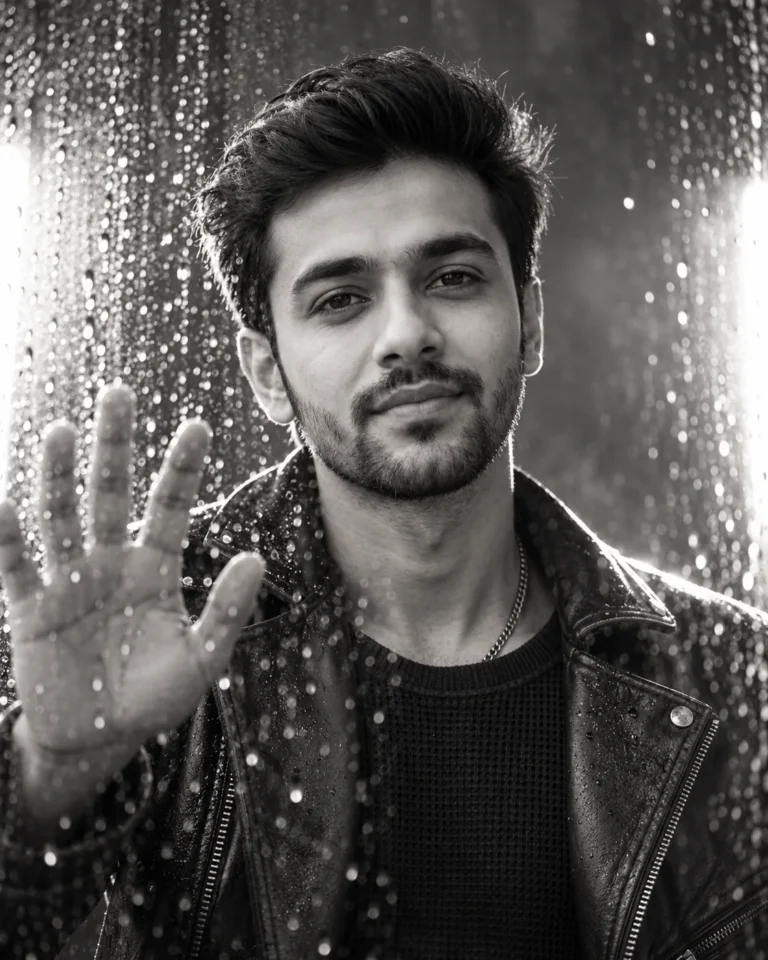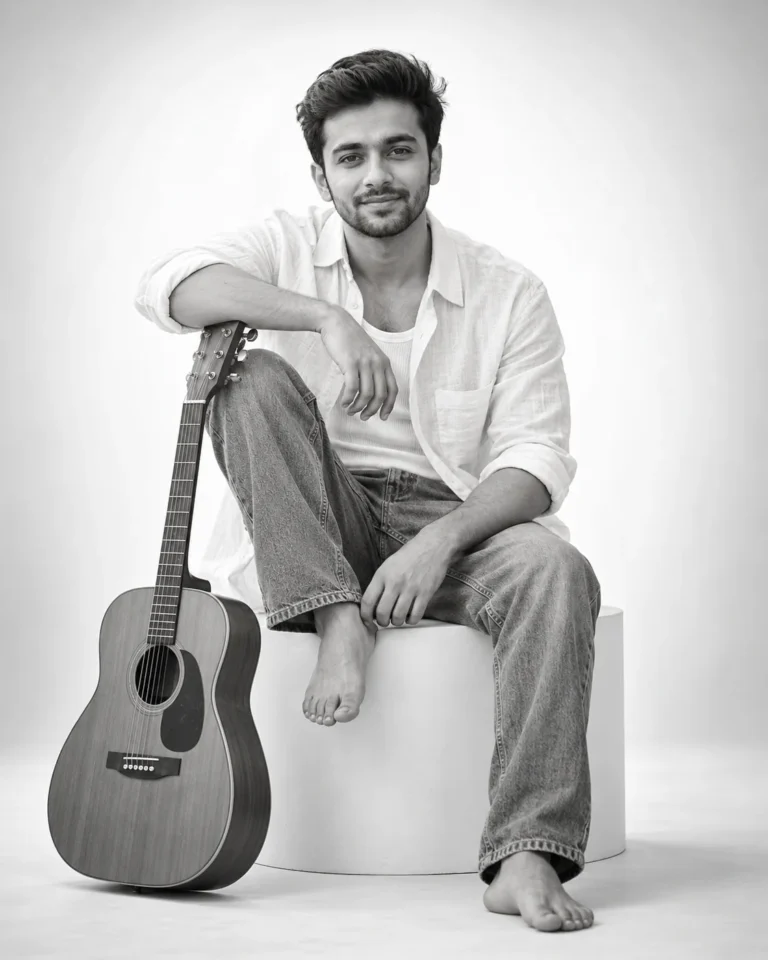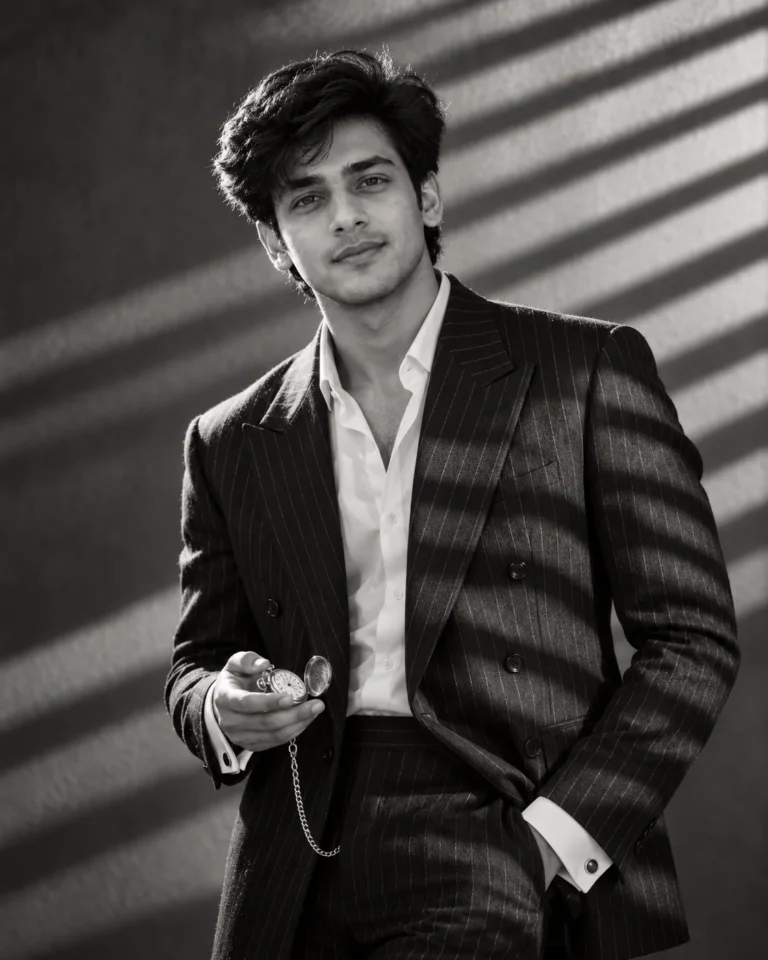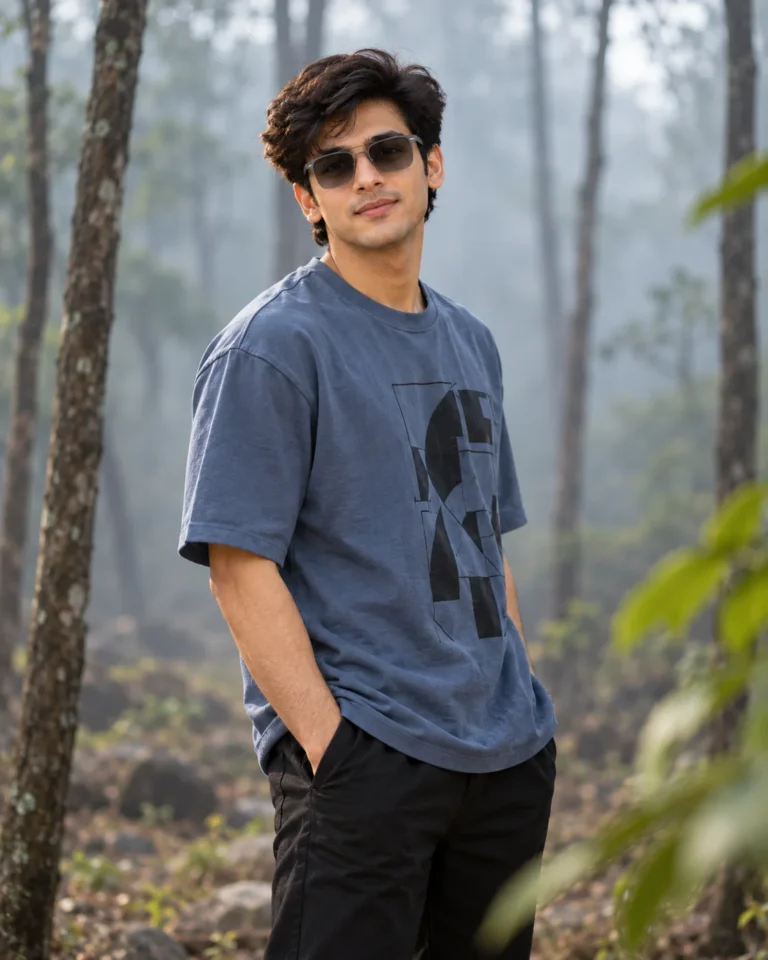
Editorial Double Exposure Studio Portrait in Soft Key Light
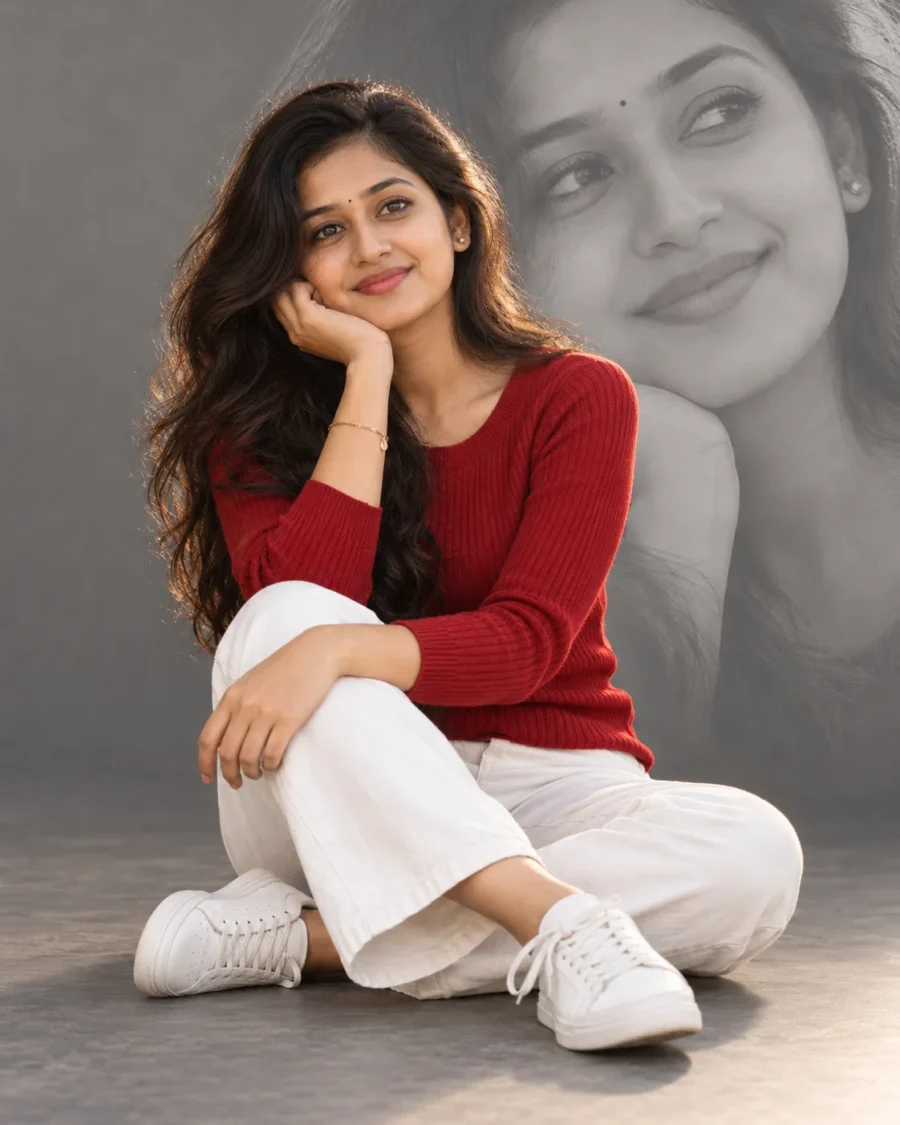
Lighting Setup and Layering for a Double Exposure Studio Portrait
Achieving a balanced double exposure studio portrait in ChatGPT often creates visual chaos when background overlays overpower the foreground subject. Specifying low contrast and mid-gray blending forces the model to treat the secondary face as a subtle graphic wash. The prompt also stabilizes complex floor-sitting poses, ensuring limbs and sneakers maintain natural perspective without collapsed joints.
An 85mm focal length at f/2.8 isolates the seated subject with minimal distortion while softening the studio boundary. Directional key lighting rakes across the ribbed knit sweater, creating micro-shadows that define genuine tactile weave rather than flat digital shading. This controlled illumination separates crisp fabric folds from the backdrop, giving the entire frame the tangible weight of a high-end editorial lookbook.
You can adapt this setup with these exact phrase swaps:
- Wardrobe or Weave Swap: Replace “fitted red ribbed knit long-sleeved sweater, white straight-leg jeans, and white low-top sneakers” with “charcoal merino wool turtleneck, raw denim trousers, and minimalist leather loafers” for an understated autumnal look.
- Jewelry, Prop, or Styling Swap: Swap “one hand resting on her knee, natural fingers” with “hands holding an open hardcover vintage art book across her lap” to anchor the posture.
- Lighting or Environment Swap: Change “seamless mid-gray studio backdrop” to “warm sand-toned limewash studio wall” to introduce organic architectural warmth.
For consistent facial preservation in any double exposure studio portrait, upload a clean, eye-level reference photo captured in neutral lighting from the chest up. Direct illumination on your reference face gives the generator an unobstructed map for both the primary subject and the monochrome background silhouette. ChatGPT occasionally merges the translucent background portrait into the foreground hair boundary. Add the phrase “distinct edge separation along hair” to restore crisp separation against the backdrop.
Frequently Asked Questions
How do I prevent the double-exposure face from looking like a solid ghost behind the subject?
Gemini renders translucent layers heavily if contrast is omitted. Ensure the prompt includes "faded and low in contrast, blended into a seamless mid-gray studio backdrop". You can also add "ten percent opacity wash" to reduce background visual weight.
Why do fingers resting on knees frequently warp in floor-seated studio poses?
Resting hands create compressed contact points that confuse AI limb geometry. If fingers merge or distort, replace the hand clause with "relaxed flat palm resting on thigh with individually articulated fingers" to provide explicit structural guidance for hand rendering.
Related Prompts
View All in Collection