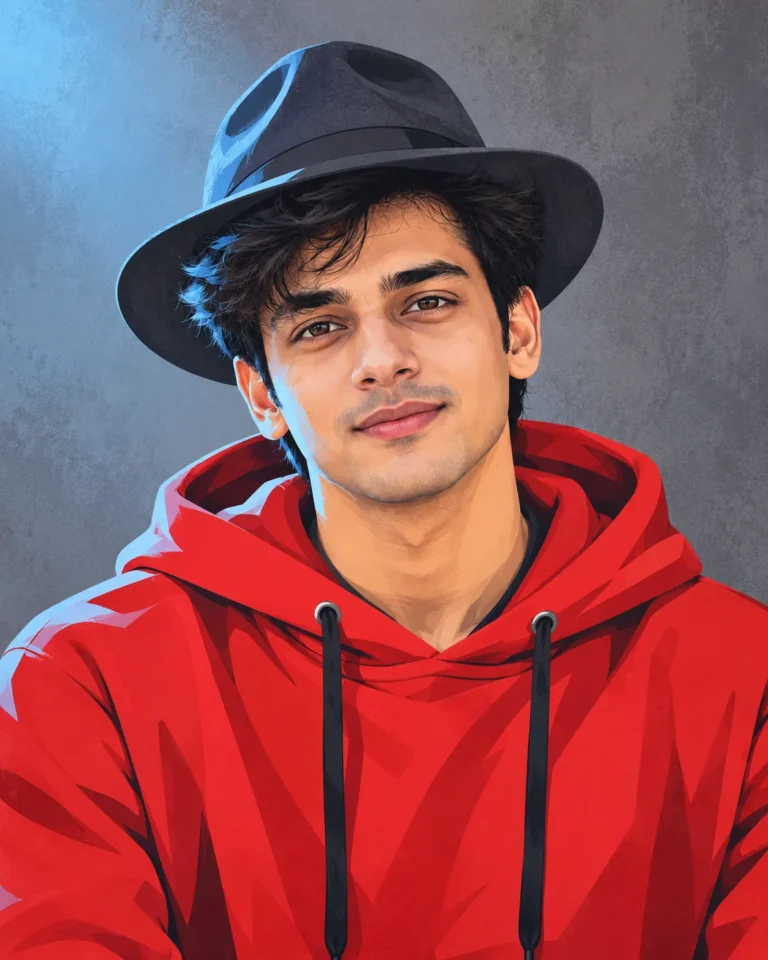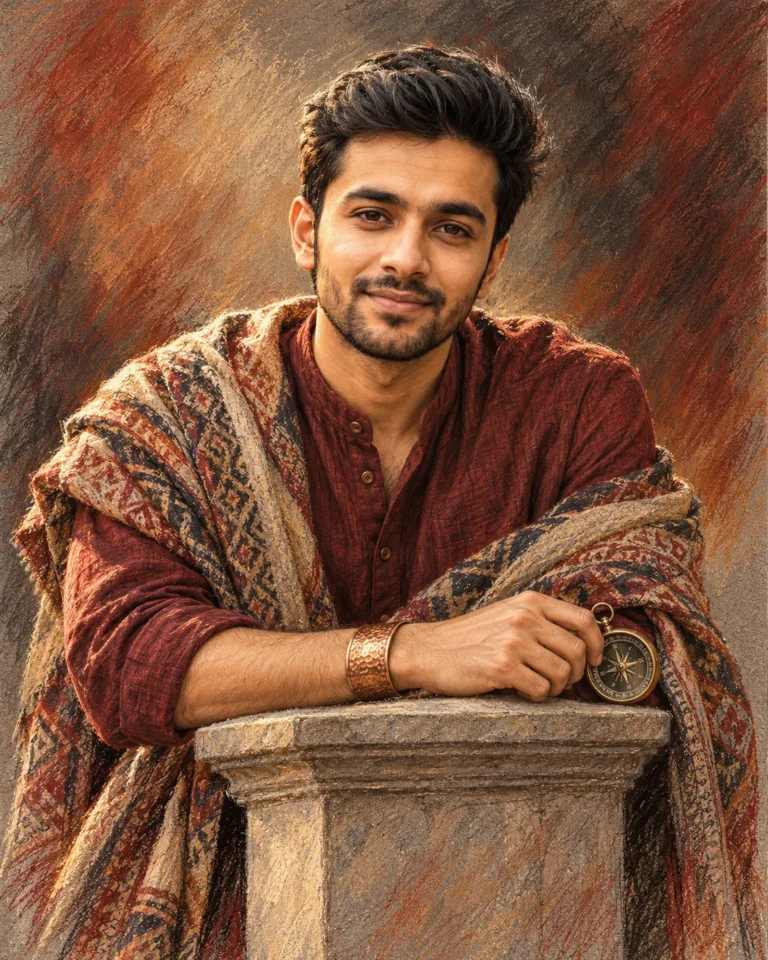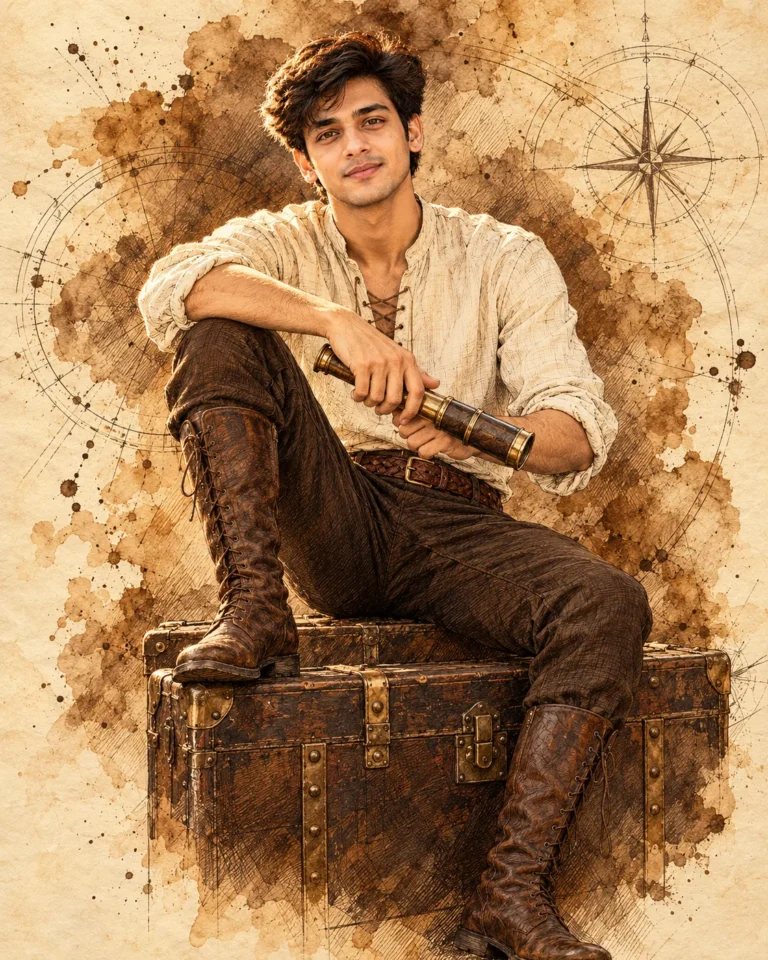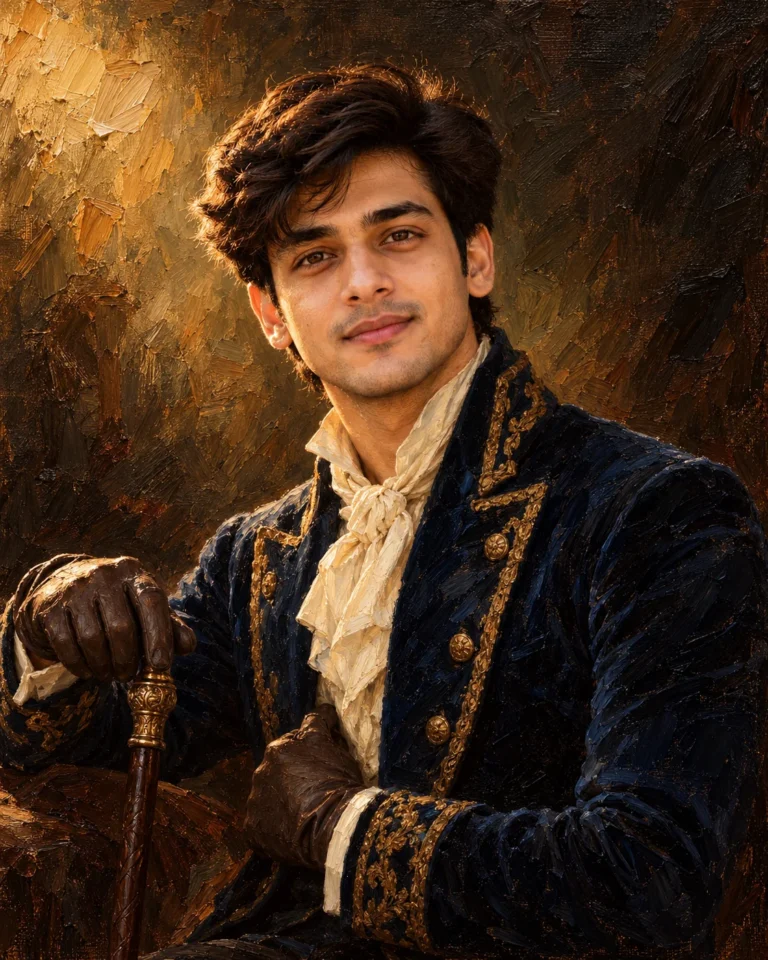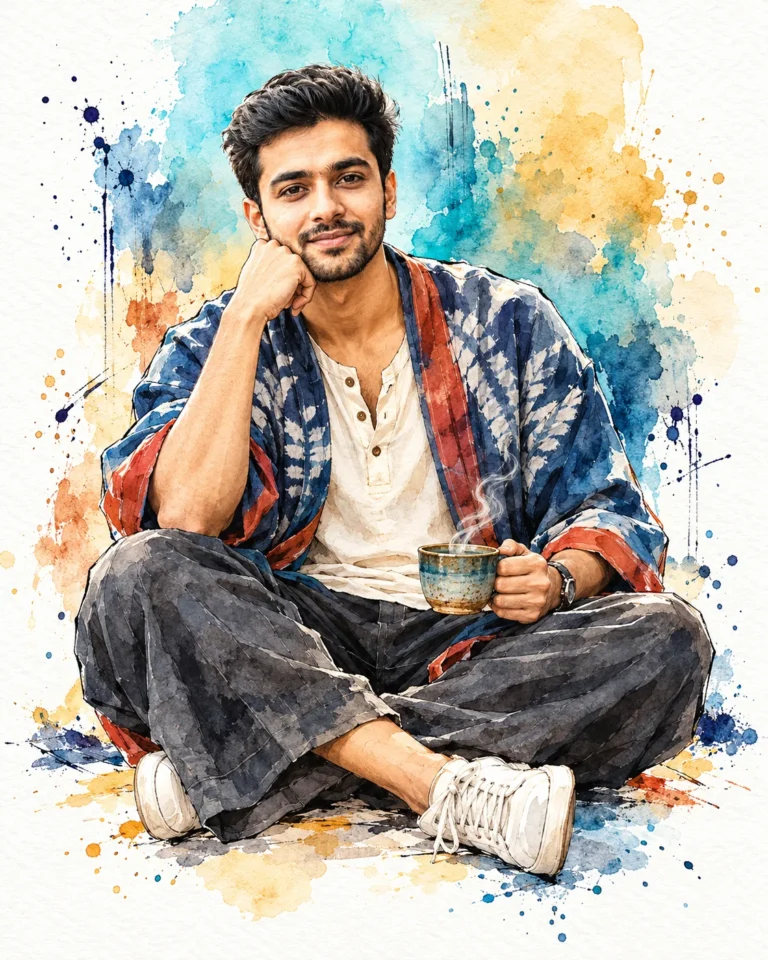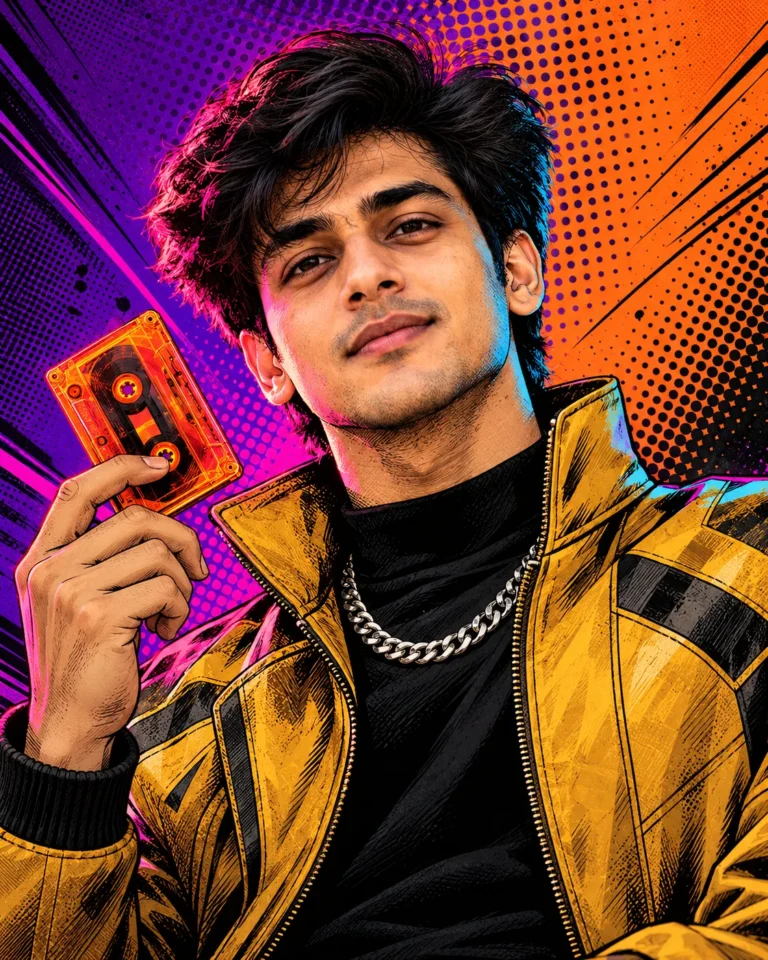
Dynamic Digital Concept Art Portrait with Brass Lantern
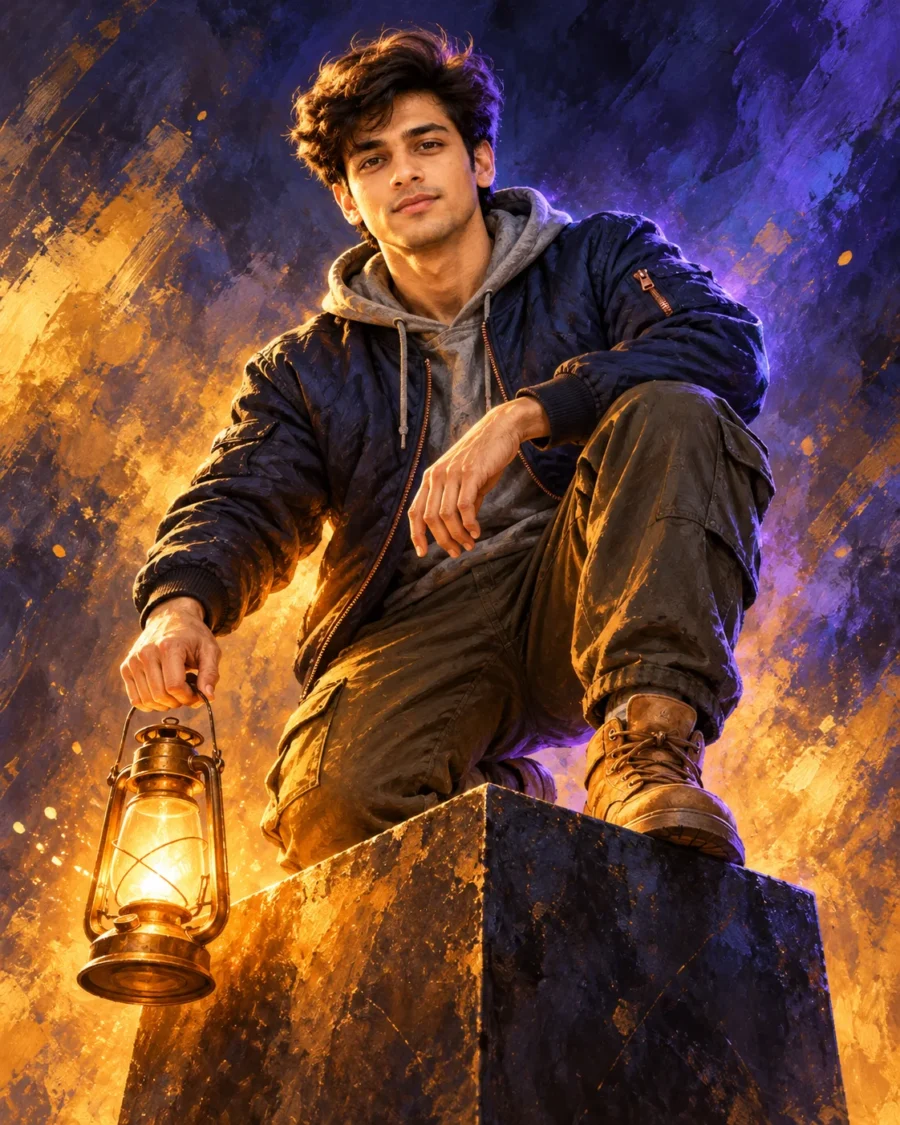
Dual-Source Lighting Setup for a Digital Concept Art Portrait
Executing a sharp Digital Concept Art Portrait requires balancing painterly brush textures against facial geometry. Generative engines frequently smear complex strokes into flat airbrushing or let colored lighting warp facial bone structure. Defining dedicated chalk and oil-bristle textures preserves tactile grain while anchoring recognizable features. This balanced formula sculpts the jawline cleanly without washing out delicate facial highlights.
A low-angle perspective pairs with complementary dual-source lighting to build depth without environmental clutter. Upward amber illumination from the handheld lantern casts sharp shadows across the quilted jacket panels. An electric-violet rim light carves the silhouette from behind, preventing dark garments from merging into the indigo backdrop. Blending structured fabric textures with expressive strokes grounds the composition in authentic concept art production craft.
Modify the visual mood with these exact phrase swaps:
- Wardrobe or Weave Swap: Replace “midnight-blue quilted bomber jacket with copper zipper hardware over a heather-grey hooded sweatshirt” with “charcoal tactical utility vest over a black waffle-knit shirt” for a rugged dystopian aesthetic.
- Jewelry, Prop, or Styling Swap: Swap “holding a glowing vintage brass lantern suspended beside the cube” with “holding an illuminated geometric glass prism” to introduce a sleek sci-fi prop.
- Lighting or Environment Swap: Change “Abstract painterly gradient backdrop of deep indigo, smoky violet, and swirling golden-amber light particles” to “smoky teal and bronze atmospheric background” for an alternative color grade.
For precise likeness preservation in a Digital Concept Art Portrait, upload an eye-level reference photo framed chest-up under diffuse daylight. Avoid selfies with steep shadows that clash with the upward lantern glow. The low-angle kneeling pose can occasionally cause the lantern to fuse into the dark metal cube. Add the exact phrase “clear air gap below lantern” to guarantee clean separation between the prop and platform.
Frequently Asked Questions
How do I stop the amber lantern glow from blowing out facial features?
Generative engines can overexpose upward lighting into flat yellow patches. If facial skin tones lose texture, add the phrase "diffused ambient amber fill with visible skin pore detail" to soften the lantern radiance across the cheeks.
Why does the 4:5 aspect ratio crop the boots in a low-angle pose?
Low-angle full-body framing prioritizes upward perspective, which can push leather boots below the bottom margin. Add the token "full-body framing with visible platform base" to ensure both boots and the monolithic cube remain fully in view.
Related Prompts
View All in Collection