
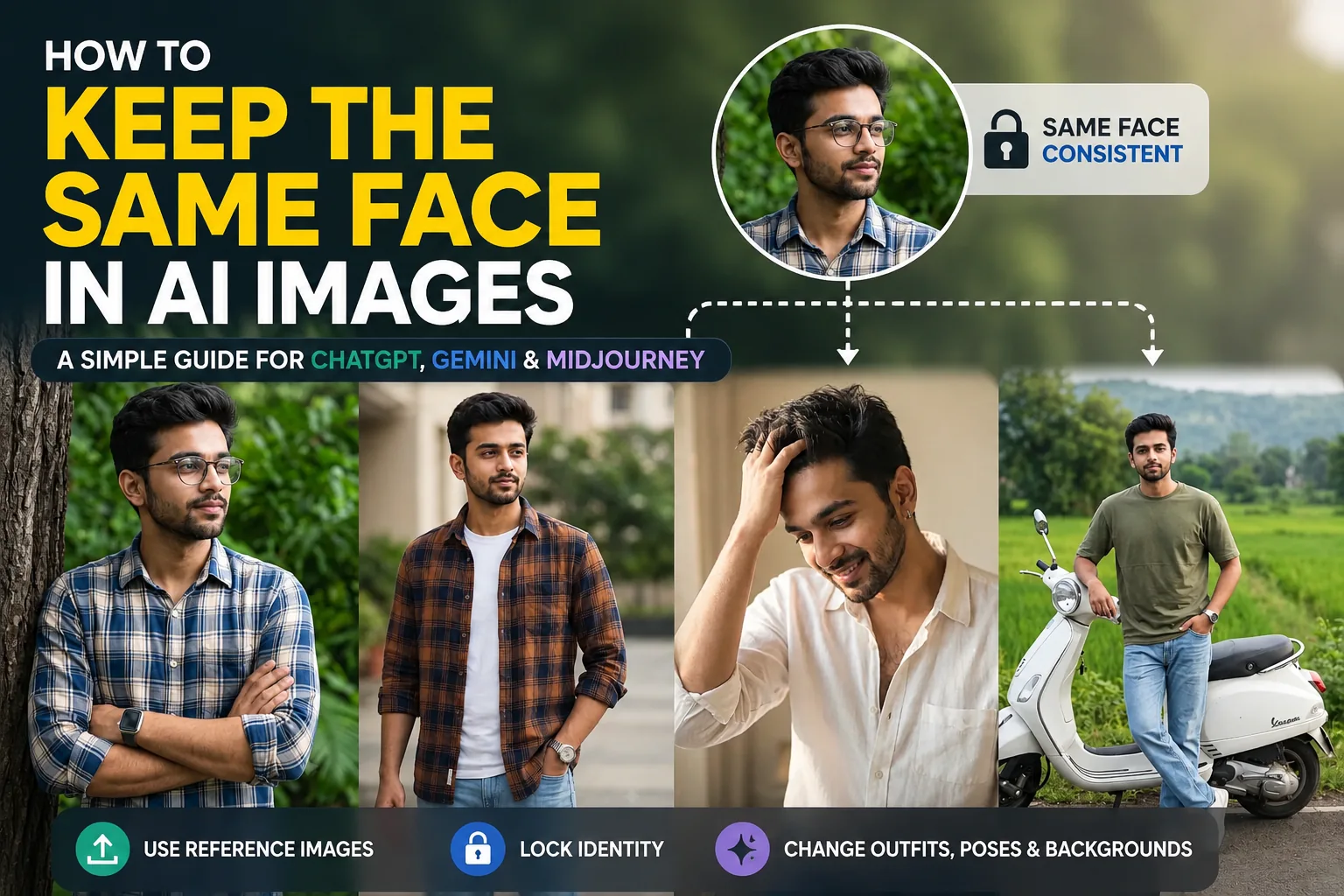
One of the biggest frustrations with AI image generators is that the character changes every time you create a new image. Even if you reuse almost the same prompt, the AI may generate a different face, hairstyle, or even skin tone.
This becomes a serious issue when you want to keep the same face in AI images for Instagram content, branding, storytelling, or marketing visuals where one consistent character must appear across multiple scenes.
Fortunately, modern AI tools like ChatGPT and Google Gemini now offer powerful ways to maintain facial consistency. By combining strong prompts, reference images, and platform-specific features, you can significantly improve how consistently the same character appears.
In this guide, you’ll learn why faces change, how each tool handles identity, and the best methods to reliably keep the same face in AI images across different generations.
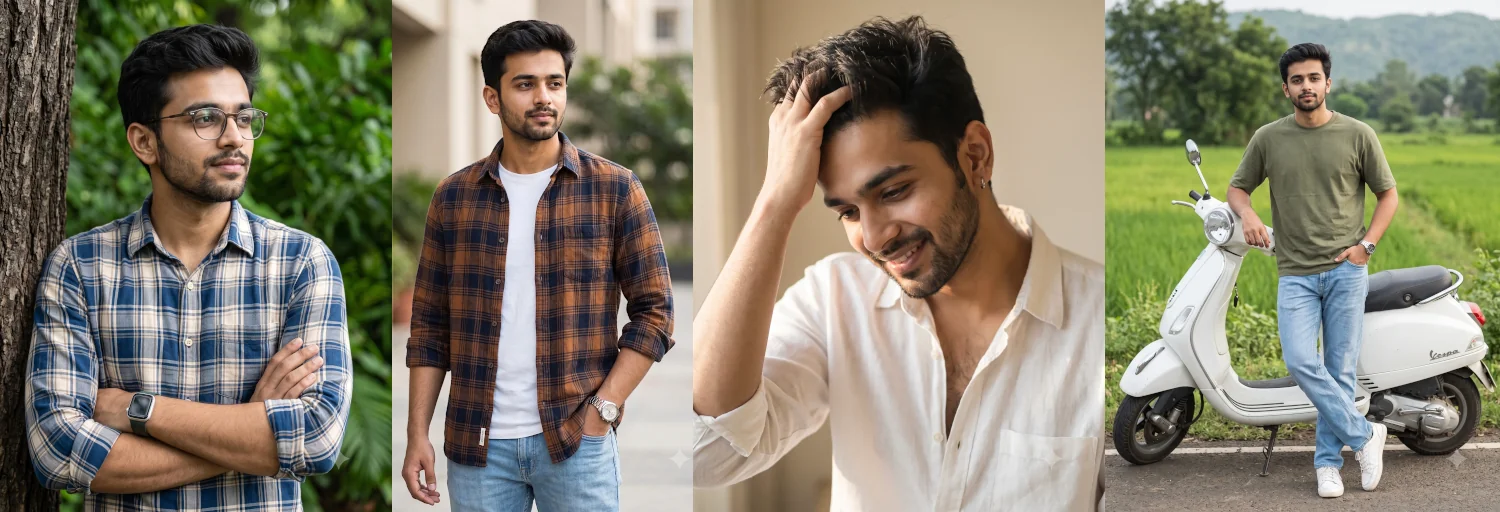
Caption: With the right prompts and reference images, you can keep the same face in AI images across different outfits, poses, and environments.
Why Do AI Faces Keep Changing?
AI image generators do not remember previous images unless you explicitly provide a reference. Every new prompt is treated as a fresh generation, meaning the model creates a new interpretation of your character each time.
For example:
A young woman wearing a green saree standing in a garden.
This prompt can produce a completely different person every time you generate it.
To keep the same face in AI images, you need an identity anchor, such as:
- A reference image of the character
- A detailed and consistent facial description
- Platform features like character reference tools
Without one of these, consistency is not guaranteed.
The 3 Golden Rules for Consistent AI Faces
Before writing prompts, keep these three rules in mind:
1. Stick to One AI Platform
Always try to generate and reuse your character within the same tool.
For example, if you create a character in Midjourney, don’t expect ChatGPT or Gemini to perfectly replicate the same face without a reference image.
Each model interprets facial features differently, so consistency improves when you stay within one ecosystem.
2. Lock in Physical Features
To keep the same face in AI images, you must clearly define facial identity and never change it across prompts.
Include:
- Age
- Face shape
- Eye shape and color
- Nose structure
- Skin tone
- Hair color and texture
- Facial hair (if any)
The more precise you are, the more stable the identity becomes.
3. Separate Identity From the Scene
Always tell the AI what must remain unchanged and what can vary.
Keep unchanged:
- Facial identity
- Facial proportions
- Skin tone
- Eye shape
- Hair texture
Allow changes:
- Outfit
- Background
- Lighting
- Pose
- Camera angle
This is one of the most important techniques to keep the same face in AI images across different scenes.
Method 1: ChatGPT
ChatGPT works best when you upload a reference image and continue generating variations within the same conversation.
[Character Setup] -> [Upload Reference Photo] -> [Apply Scene Prompt with Identity Lock]
Step-by-Step Workflow:
- Create an Initial Character Photo: Generate a simple, well-lit, front-facing portrait.
- Upload the Reference Photo: In a new or existing chat window, attach the photo you want to replicate.
- Use an Identity Preservation Prompt: Instruct ChatGPT to match the facial features of the uploaded picture while modifying the background and clothing.
Copy-Paste Sentences for ChatGPT:
Option A: Initial Character Anchor Prompt
Copyable Prompt:
Photorealistic front-facing portrait of a 24-year-old South Asian woman named Maya. She has an oval face shape, almond-shaped dark brown eyes, warm skin tone, sharp cheekbones, and long wavy black hair. Simple neutral background, soft natural daylight, eye-level composition, studio lighting. Aspect ratio 4:5.
Option B: Image Reference Continuation Prompt (Attach photo first)
Copyable Prompt:
Using the attached reference photo, place the same person in a new scene. Preserve her exact facial identity, facial structure, skin tone, eye shape, and hairstyle. She is wearing a green silk Banarasi saree, standing on a lotus pond walkway at golden hour. Change only her outfit, pose, and background while keeping her face identical to the image.
Method 2: Google Gemini
Google Gemini excels at image editing and photo-to-photo transformations. It performs best when you give sequential instructions that clearly specify what to keep unchanged.

Caption: Attaching a clear reference image in Gemini ensures skin texture and facial structure remain untouched.
Copy-Paste Sentences for Gemini:
Option A: Editing & Photo Transformation Prompt (Attach reference photo)
Copyable Prompt:
Edit this portrait photo to change the setting and outfit. Preserve the subject's exact facial identity, facial structure, skin tone, eye color, and natural expression from the attached image. Change his outfit to a dark blue linen shirt and place him sitting inside a modern cafe with soft window daylight. Keep all facial features unchanged.
Option B: Strict Preservation Formula
Copyable Prompt:
Generate a new portrait of the person in the uploaded photo. Maintain her facial identity, facial proportions, skin texture, and features completely unchanged. Change only the clothing to a red saree with gold embroidery and update the background to an illuminated festival evening with shallow depth of field.
Method 3: Midjourney (--cref)
Midjourney uses the Character Reference (–cref) feature, which is one of the most powerful ways to keep the same face in AI images.
Instead of repeatedly describing the face, you provide a reference image URL.
How It Works:
- Copy the public image URL of your reference face.
- Add
--cref [IMAGE_URL]to the end of your prompt. - Adjust character weight with
--cw:--cw 100(Default): Matches face, hair, and clothing.--cw 0: Matches only the face, allowing you to change clothing and hair easily.
Example Prompt
/imagine prompt: A young South Asian man sitting by a window in a cozy library, wearing a dark grey sweater, soft natural morning light --cref [https://your-image-url.jpg](https://your-image-url.jpg) --cw 0 --ar 4:5
Best Practices to Keep the Same Face in AI Images
To achieve the best consistency:
- Always use a high-quality reference image
- Keep prompts consistent across generations
- Avoid changing age drastically
- Maintain the same hairstyle unless intentionally changed
- Use the same aspect ratio
- Avoid conflicting facial descriptions
- Make small iterative changes instead of full resets
- Use front-facing portraits for best results
AI Tool Comparison
| Tool | Best For | Character Consistency | Image Editing |
|---|---|---|---|
| ChatGPT | Portrait generation + edits | ★★★★☆ | Excellent |
| Google Gemini | Image editing consistency | ★★★★★ | Excellent |
| Midjourney | Creative character artwork | ★★★★☆ | Limited |
Common Problems and Fixes
| Problem | Cause | Solution |
|---|---|---|
| Face changes completely | No reference image | Always use a reference image |
| Hair changes | Not specified clearly | Define hair color and texture |
| Age inconsistency | Age not locked | Always include age |
| Accessories missing | Not emphasized | Explicitly mention them |
| Skin tone changes | Lighting conflict | Specify natural skin tone |
| Blurry face | Low-quality input | Use sharp reference images |
| Expression changes | Not defined | Specify expression clearly |
Final Thoughts
Learning how to keep the same face in AI images is essential for creating consistent characters in storytelling, branding, and social media content.
The key is simple: lock the identity, and only change the environment.
With reference images, structured prompts, and the right platform features, you can now reliably maintain the same character across multiple AI-generated images without losing consistency.
Which AI tool is your favorite for generating consistent characters? Let me know in the comments below, or tag us in your AI creations on social media!